Choice sync
Sync Google Forms dropdowns from Sheets
Use FormSuite Choice Sync when dropdown, checkbox, or multiple-choice lists should be refreshed from selected Sheets data.
Run the copied-form Alpha/Beta test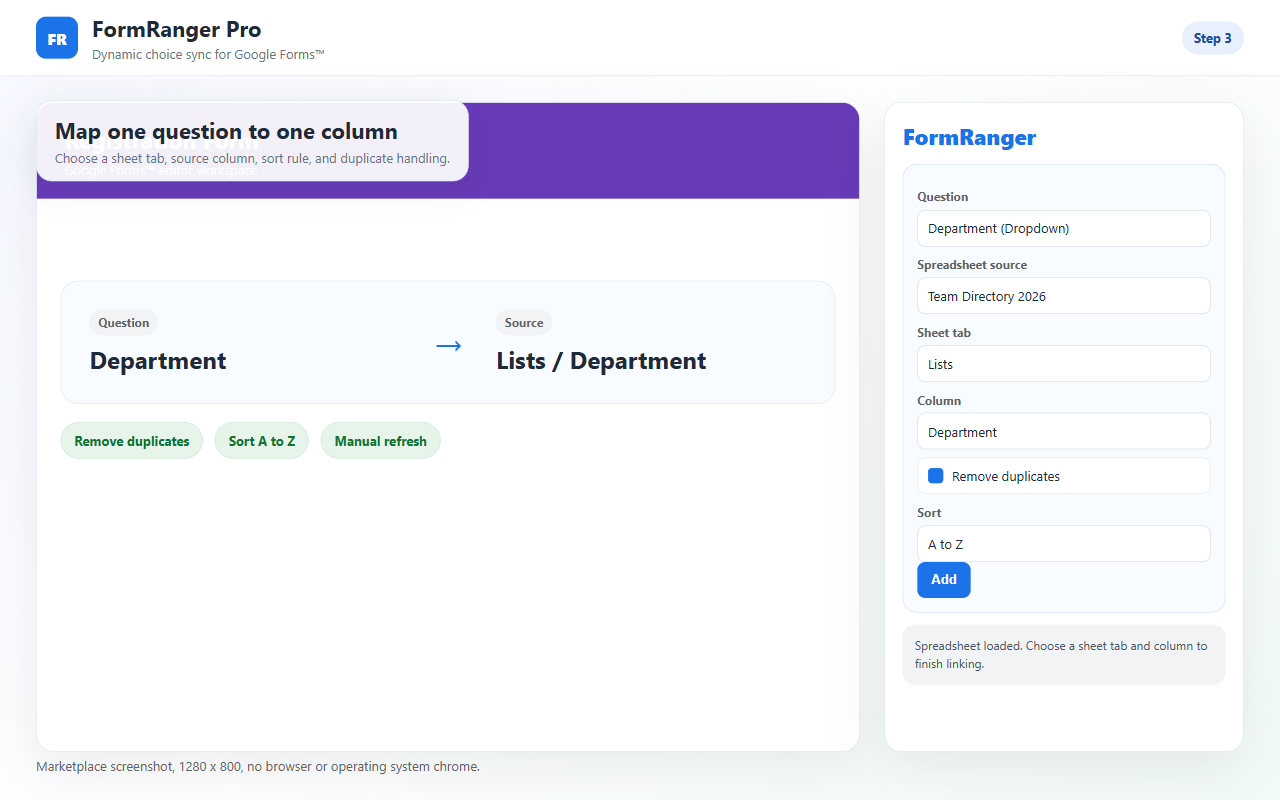
Start from the workflow you need to fix, not from a feature list. The first three routes currently have the clearest migration test; every route still requires one small copied-file proof.
Use FormSuite Choice Sync when dropdown, checkbox, or multiple-choice lists should be refreshed from selected Sheets data.
Run the copied-form Alpha/Beta testUse FormMerge Pro when you need exact pending-email preview, duplicate blocking, one-time approval, row status, and trigger health.
Use FormMergeUse DocForge when a selected template should be scanned, mapped, previewed with one row, and tested with one output before a batch.
Use DocForgeUse FormNotifier when each submission should trigger tested confirmation and owner alert emails.
Use FormNotifierUse FormCopy Pro when helper columns, scoring formulas, or formats stop copying into new rows.
Use FormCopyUse FormFlow for a lightweight reviewer email, approve/reject decision, and linked response-sheet status test.
Use FormFlowUse Google Forms native closing for total-response and date limits. Consider FormGuard only for a non-transactional quota helper; it is not a booking or inventory lock.
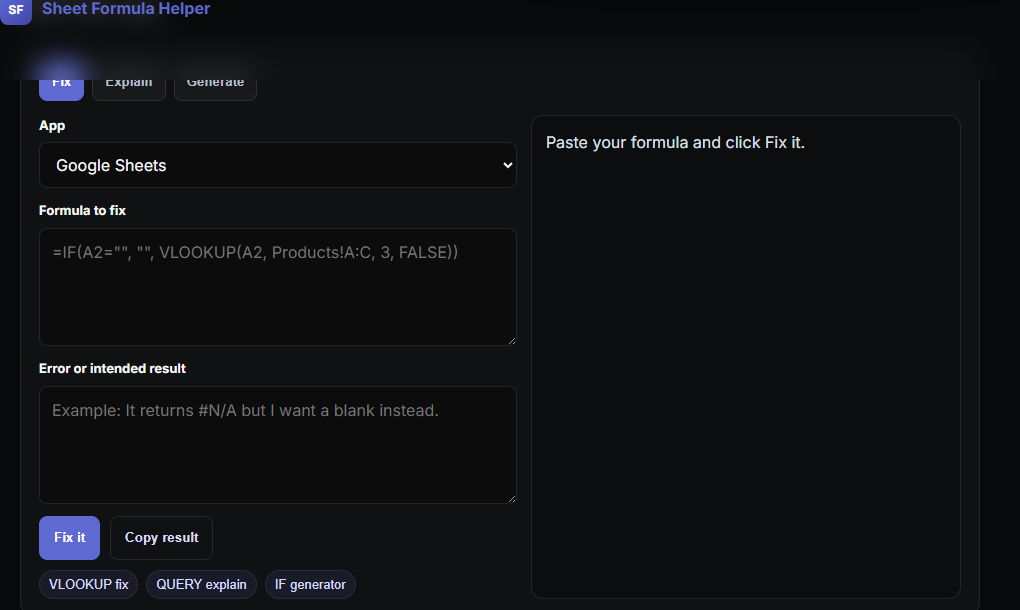
Check FormGuard fitUse Sheet Formula Helper when you need a browser-based formula fix, explanation, or starter formula before installing an add-on.
Use Sheet Formula