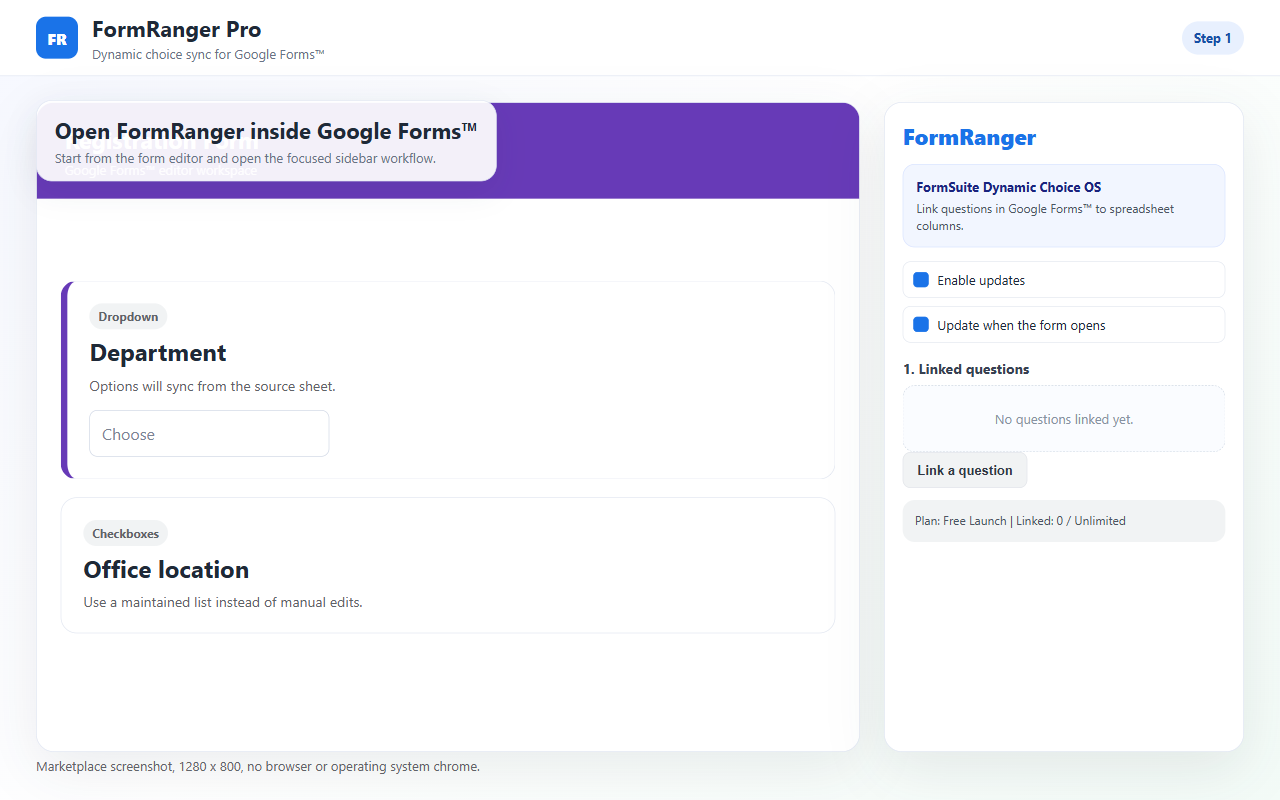
FormRanger connects Google Forms questions to spreadsheet-backed data so dropdowns, multiple-choice lists, and checkboxes stay current without manual editing. It is built for teams managing changing rosters, catalogs, schedules, and other dynamic option sets.
FormRanger exists so teams do not have to maintain the same list of valid answers in two different places.
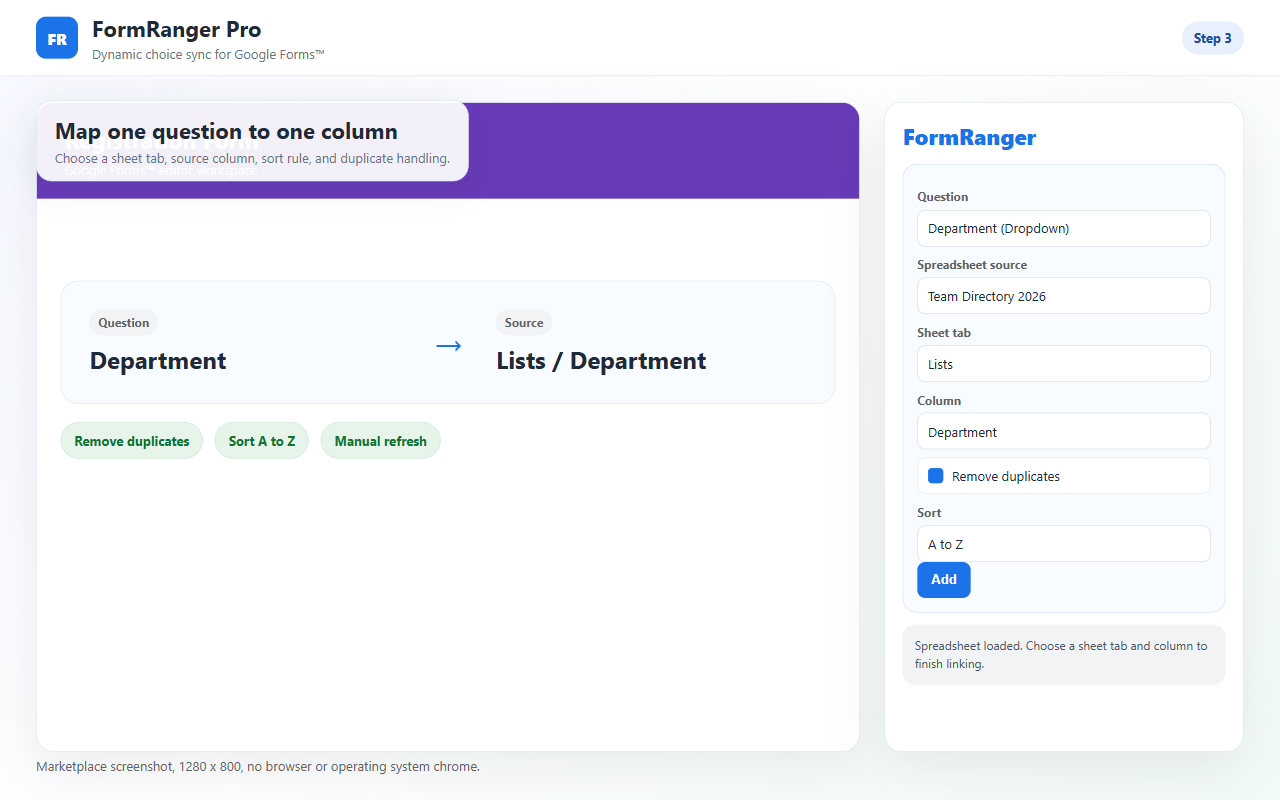
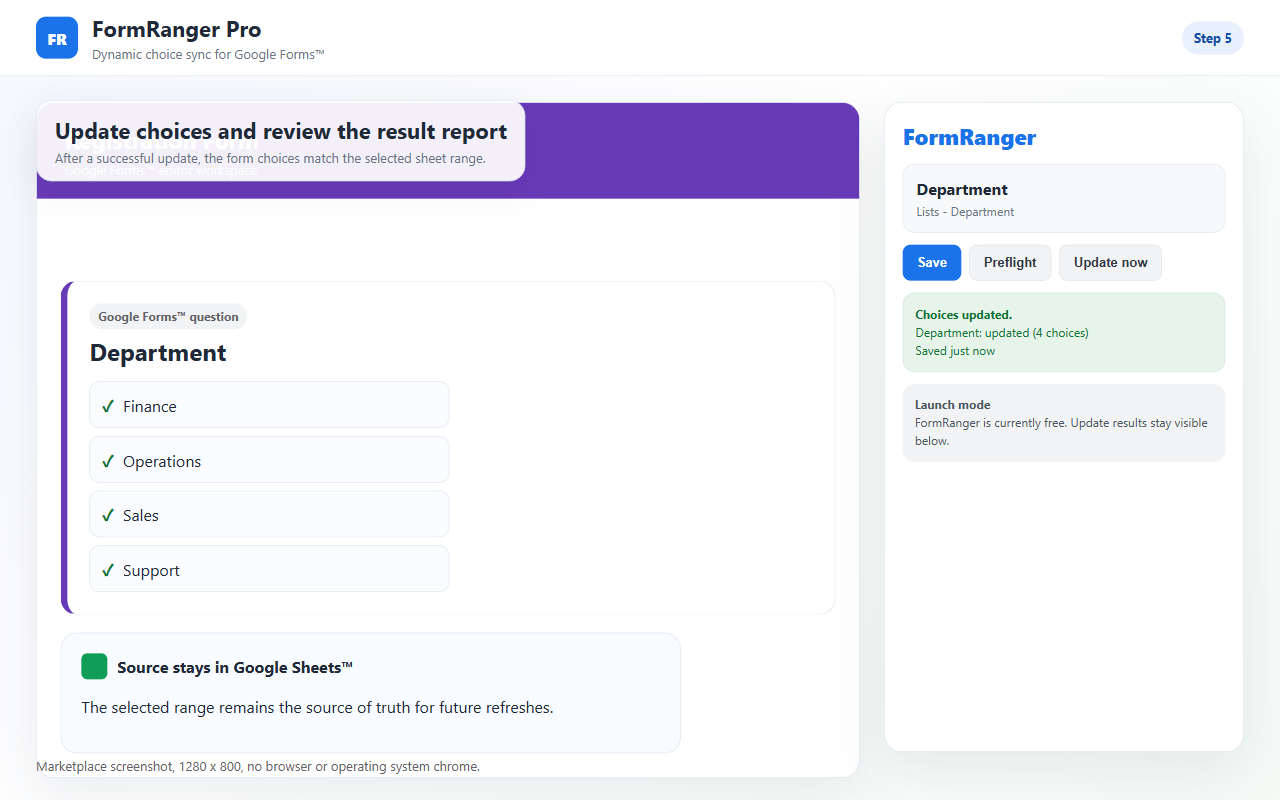
Map questions to a sheet range so the form reflects the latest values from your source data.
Use dynamic data with supported Google Forms question types such as dropdowns, checkboxes, and multiple choice.
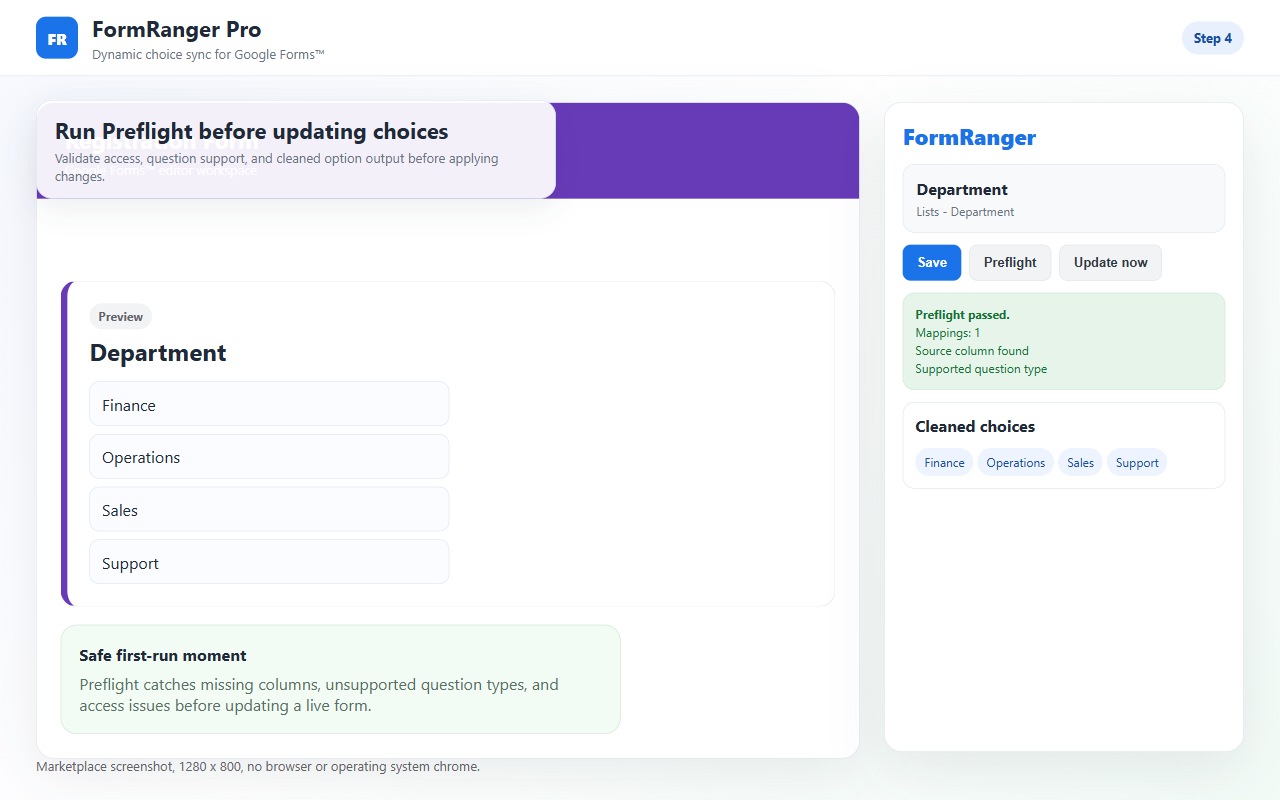
Sort values and remove duplicates before respondents ever see the resulting options.
Keep the form aligned with sheet changes over time instead of relying on manual question edits.
Populate form questions with current team members, instructors, reviewers, or locations.
Keep forms aligned with live lists of products, services, sessions, or support categories.
Use centrally maintained spreadsheets to control the choice lists that respondents can select.
Reduce the risk of stale or inconsistent choices across forms that must stay accurate over time.
A clear setup path for reviewers and operators.
FormRanger Pro is a modern V8 replacement with timed updates and duplicate removal.
Yes. Link different questions to different spreadsheet columns.
Yes. Free tier includes 3 linked questions. Pro is $29/year for unlimited.
No. Configure mappings from the sidebar inside Google Forms.